
Aisogen is a browser extension for Google Chrome and Mozilla Firefox that reads the caption of a social media post you are viewing and generates an AI-written comment, summary, or reply in a tone and format you choose. It operates on a bring-your-own-API-key model, using the AI provider and key you configure. You review the draft, copy the text, and post it manually.
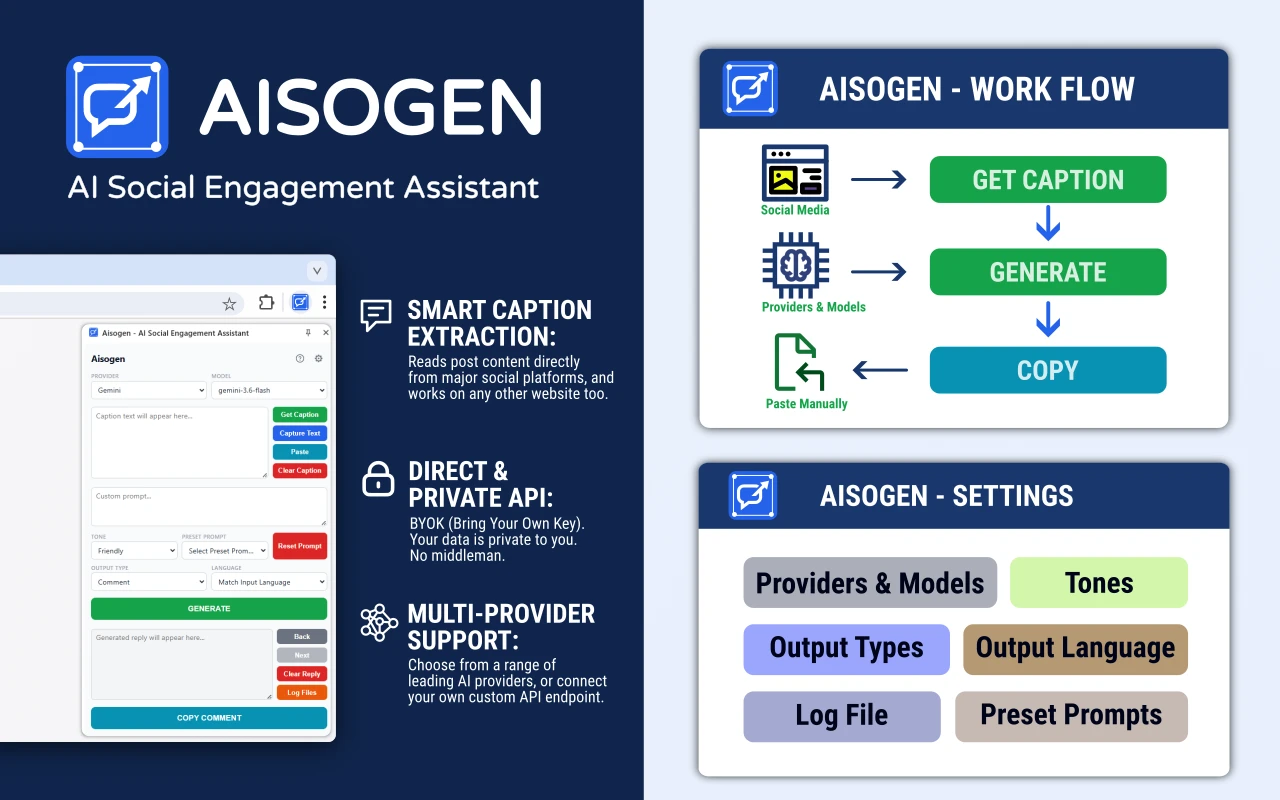
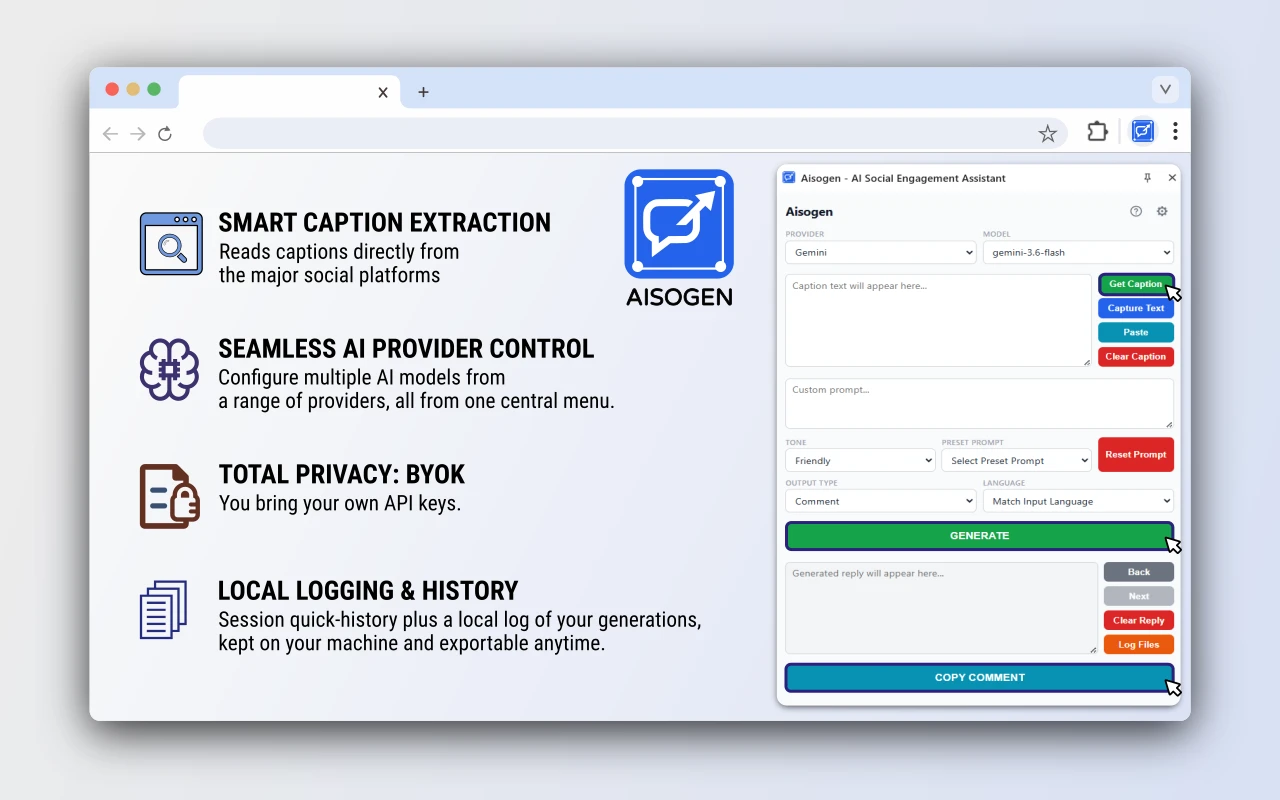
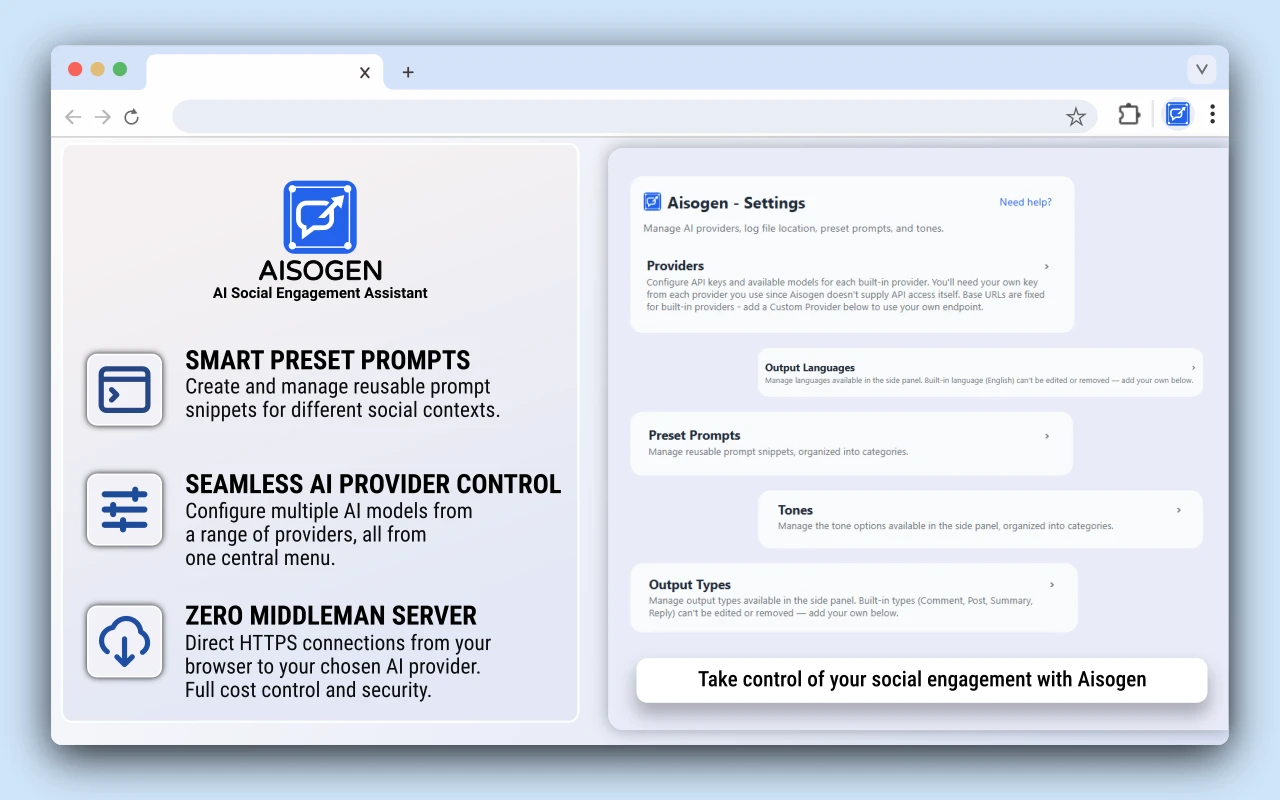
Aisogen transforms how you interact with social media by bringing powerful AI models straight into your Chrome side panel. You keep full control over your privacy, costs, and content generation.
Direct and Private API Connections
Your data moves straight from your browser to your chosen AI provider using HTTPS. No middleman servers handle, inspect, or store your requests along the way.
Complete Cost Control with BYOK
You bring your own API key and pay your provider directly for exact usage. This eliminates extra subscription fees, artificial markup costs, or hidden credit limits.
On-Demand Local Processing
The extension script only runs locally on your active tab when you explicitly trigger content extraction. It never scans your browser history or reads background pages automatically.
Secure Local Storage for Keys and History
Your API keys and generated outputs stay isolated inside your browser using sandboxed storage. Nothing gets uploaded to third-party databases, so your credentials remain private to your local device.
Key Features
Smart Caption Extraction
Universal Manual Selection
PowerToys OCR Integration (Windows)
Custom Prompting & Presets
Multi-Provider Support
Local Logging & History
How It Works
Set Up API Keys
Open Settings and add an API key for your preferred AI provider. Click Save All Settings.
Extract Content
Navigate to any post on Instagram, Facebook, Threads, TikTok, LinkedIn, Reddit, or X/Twitter and click Get Caption in your side panel.
Choose Tone & Type
Select your preferred Tone category and pick an Output Type (Comment, Post, Summary, Reply, or Custom).
Generate & Copy
Click GENERATE. Review the cleaned output in your side panel, then click COPY REPLY to paste it onto the page.
What's New
- Added a language input field to customize output language.
- Added an option to cancel ongoing generation mid-request to prevent UI locking and unlock the generate button during slow API calls.
- Copy button now shows the selected output type.
- Chrome: logging moved from CSV files on disk to local log storage, matching Firefox. Security hardening.
- Bug fixes, including a missing preset prompt category.
- Initial release. Generate AI-powered replies, comments, posts, and summaries for social media using your own AI provider API key.